Project Overview
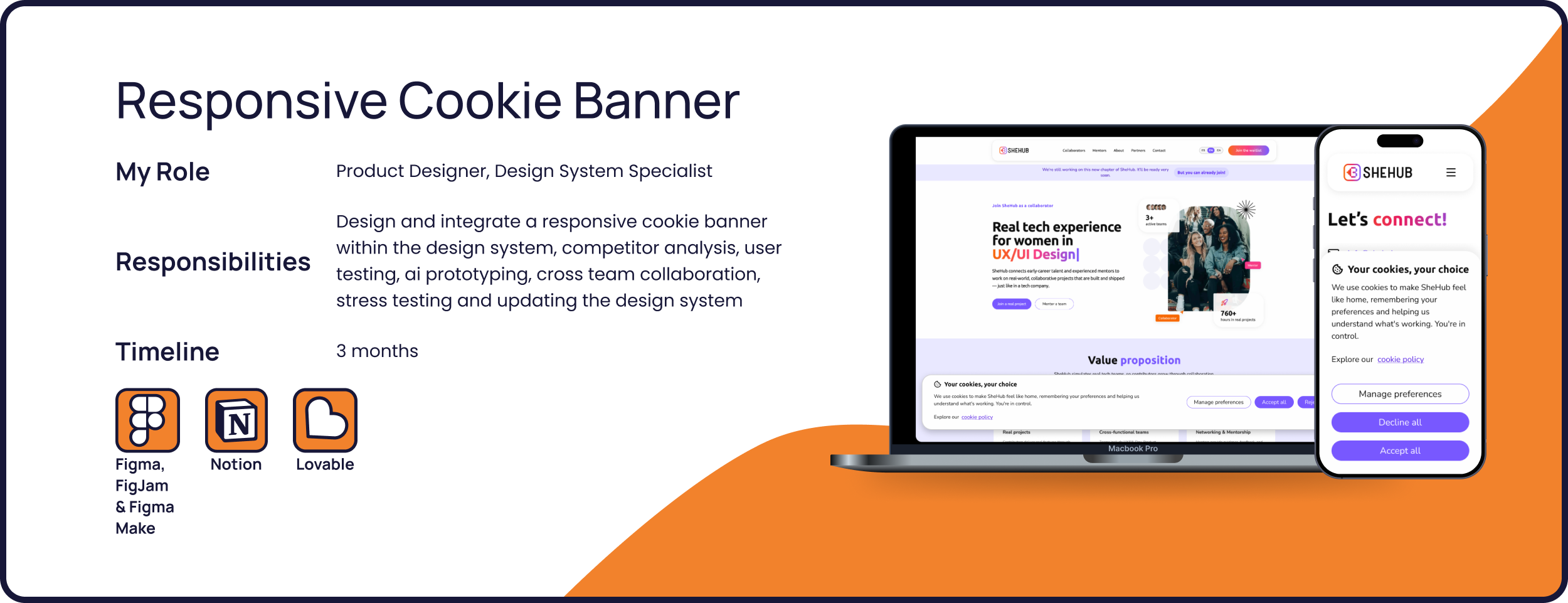
SheHub is an organisation dedicated to helping women advance their technical skills in real-life work environments. They have integrated the Athena Design System, and they needed to update it with a Cookie banner.
Project goal
Designing and integrating a responsive cookie banner within SheHub’s ecosystem.
Users
Women who want to enroll at SheHub, collaborators, mentors
Users problem
Users need to interact with the cookie banner in an easy way that lets them choose without interrupting their flow.
Business Goal
Retain users on the website and collect their cookie preferences without disrupting the user flow.
Solution
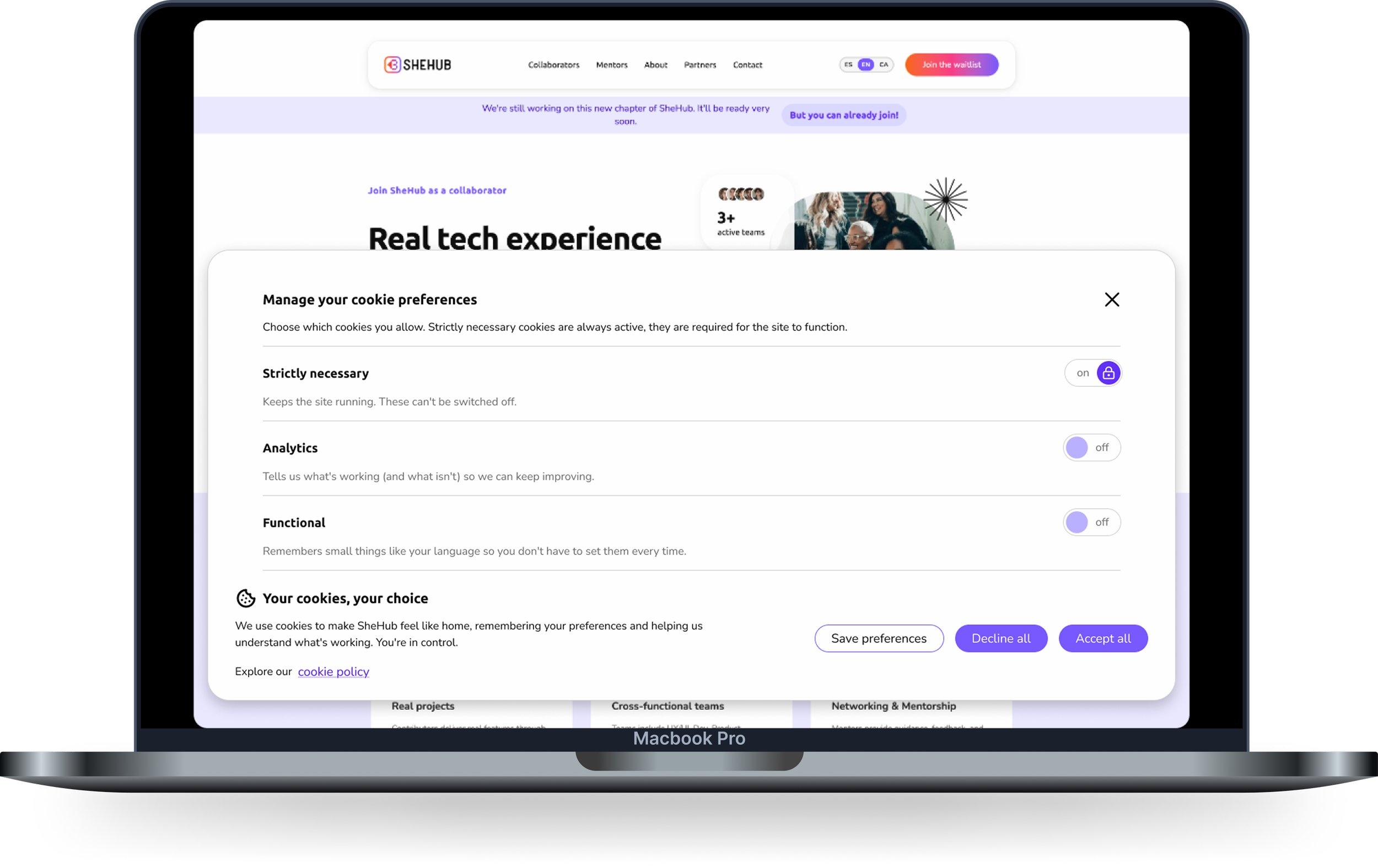
A responsive floating cookie banner that gives you the opportunity to customize your cookie preferences and browse the website before making your choice.
For the extensive documentation of my process, check my Medium article here.
Design Process
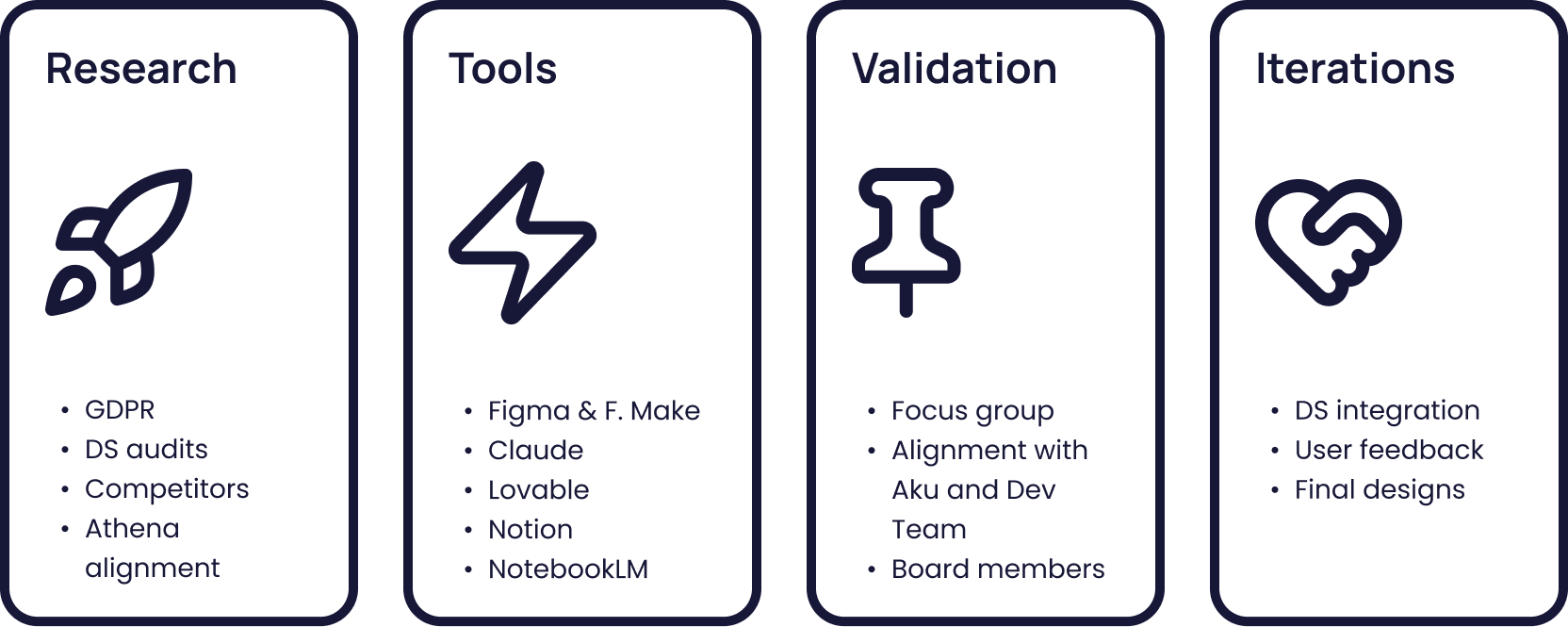
We adapted from the classic Double Diamond design process and created a custom flow that would fit the AI tools integration, the existing research and design created by the previous SheHub teams, and the 3-month time constraint.
Research
Analyzing Design System Integration and Anatomy Best Practices
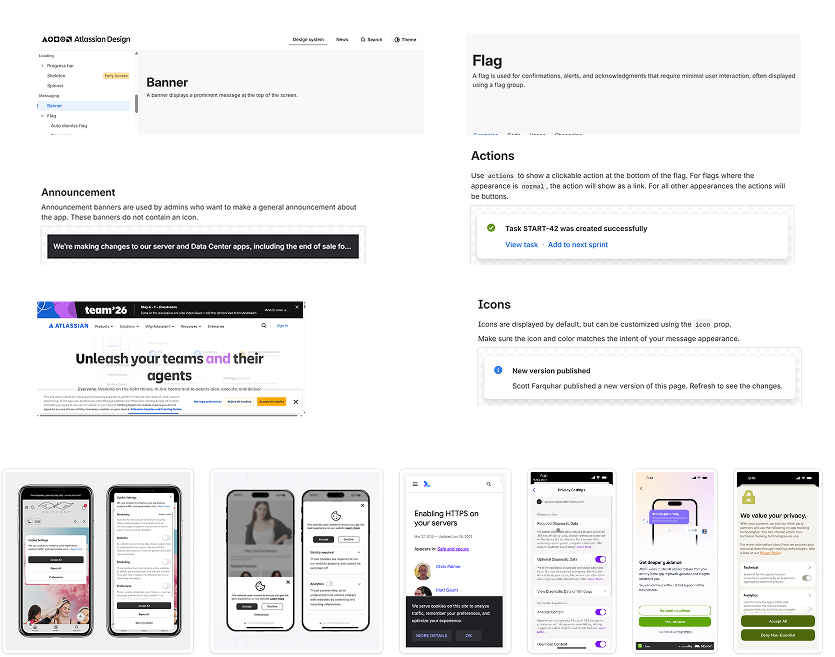
We started our process with a deep-dive competitor analysis into how they integrated the cookie banner in their Design System and what are the core elements for a cookie banner’s anatomy.
Athena Design System Alignment
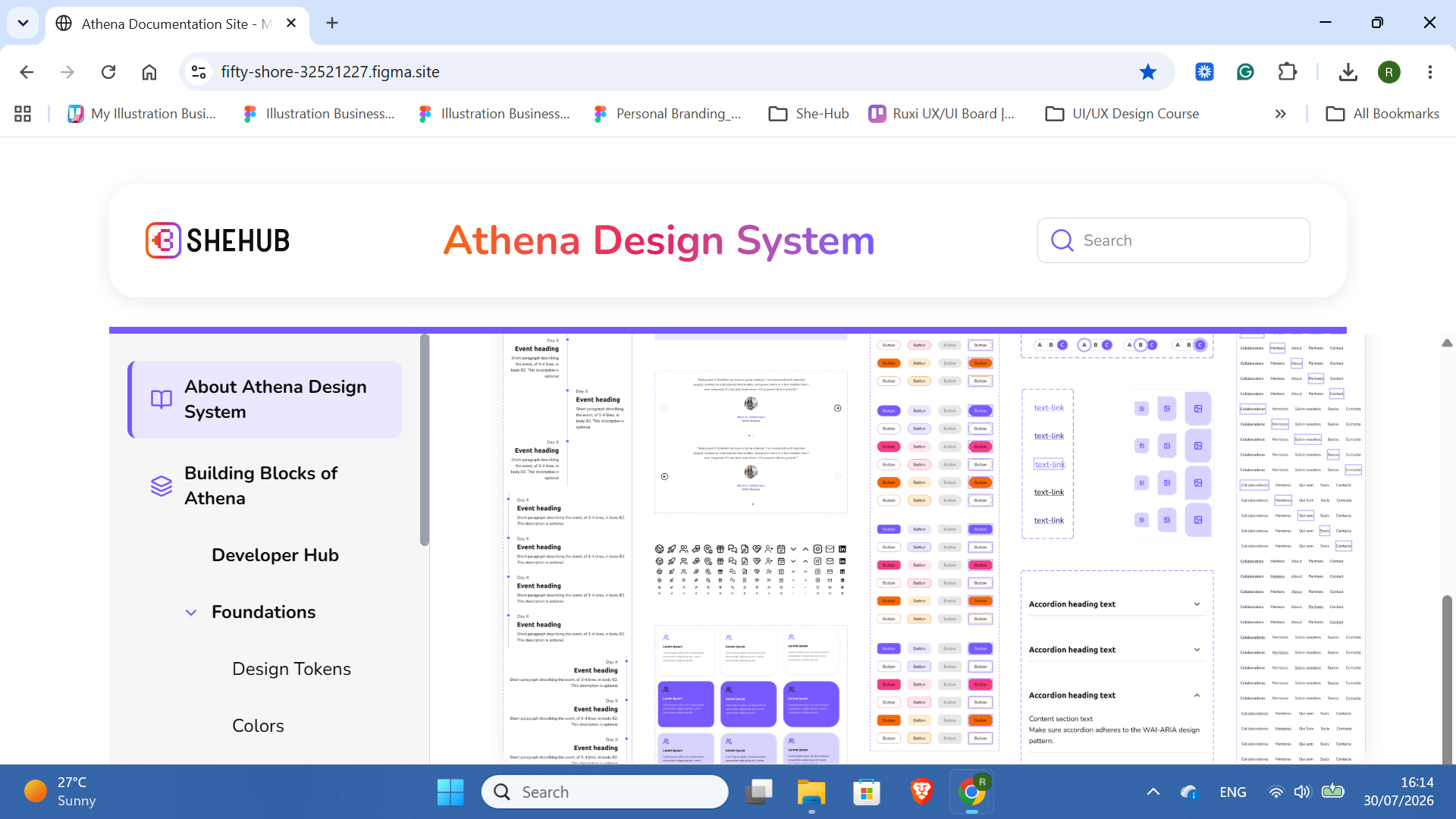
After understanding Design System best practices on cookie banner integration, we studied SheHub’s Athena DS to understand how we can integrate this element into their live product.
We used the previously designed documentation website to understand Athena’s ecosystem in the best way possible.
Tools: Early Prototypes and Use of AI
First Designs in Figma using the Athena Design System
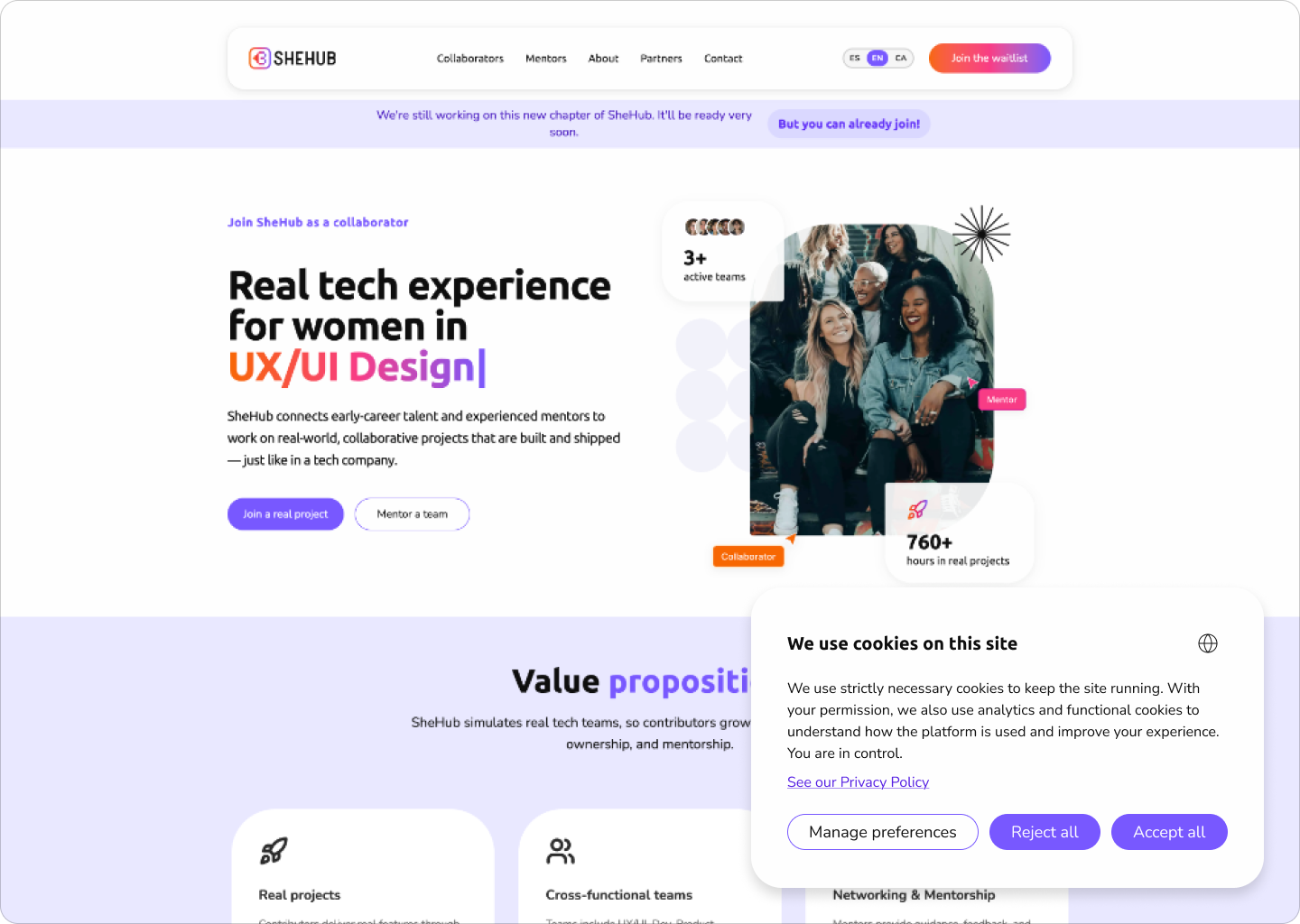
From the research phase, we concluded that the most common practice for integrating cookie banners is to either project them as stick-to-bottom snackbars or a floatable corner modal card.
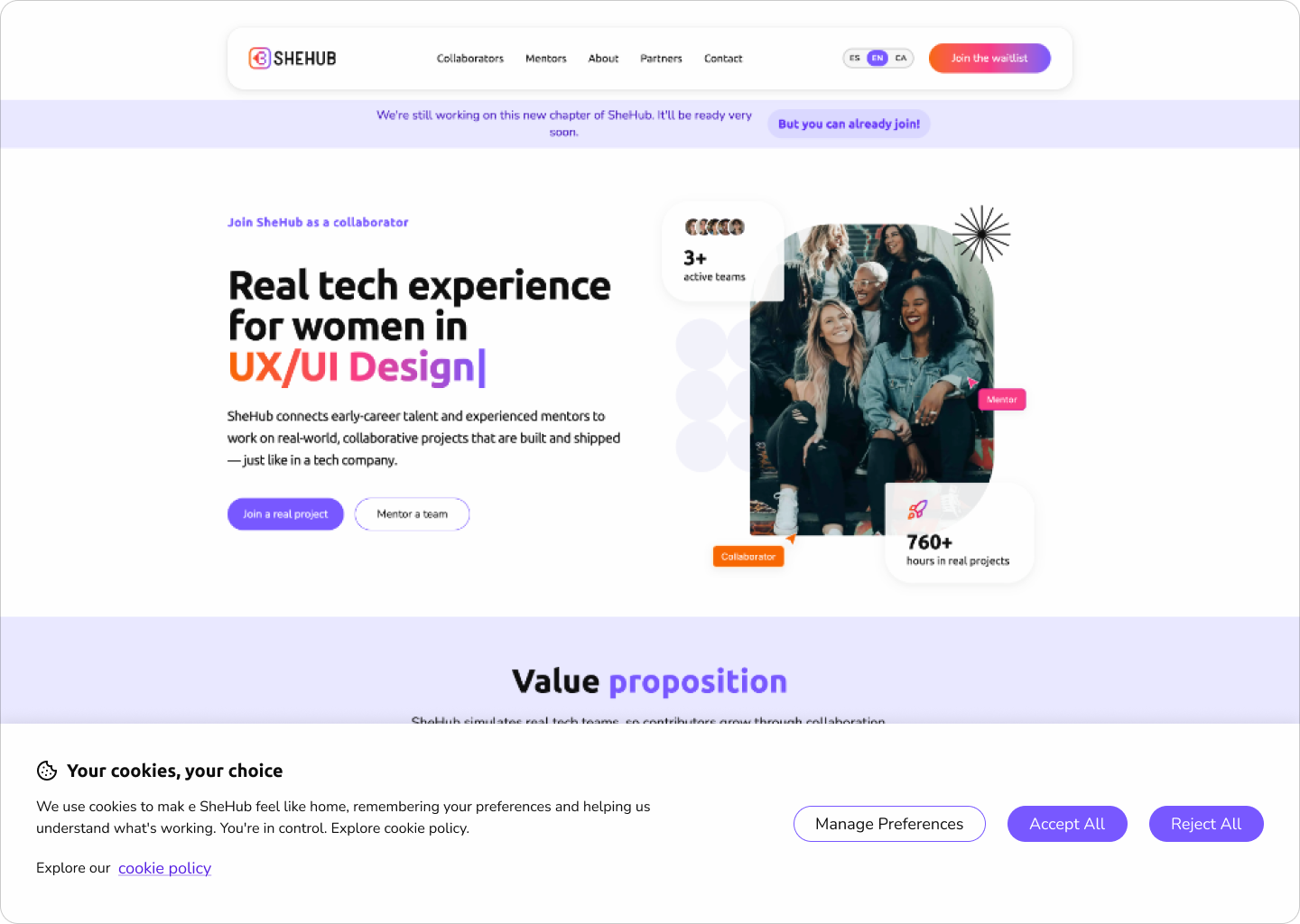
My task was to design the stick-to-bottom snackbar.
Creating live prototypes with Lovable
Since our main objective was to disrupt the user flow as little as possible, we decided to use Lovable for fast prototyping and test the 2 versions with real users to see which fits our goals.
Below is the prototype I created for the wide cookie banner.
Validation
Collecting data and checking the feasibility of the designs
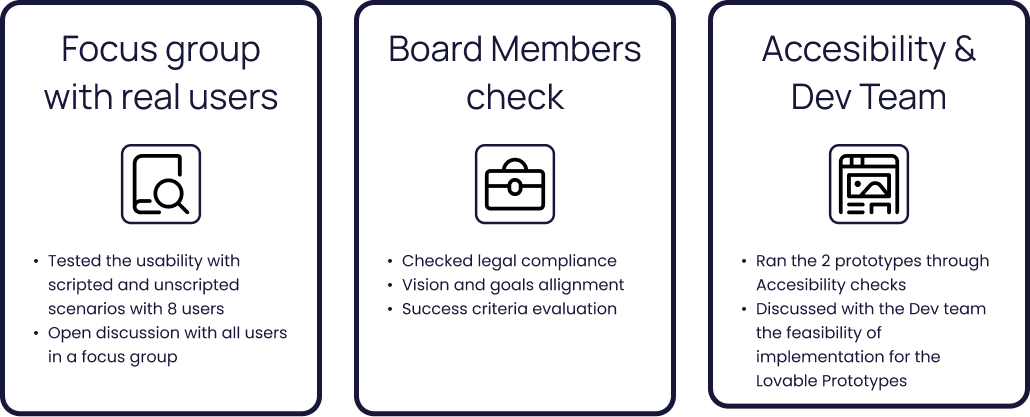
After using Lovable for fast prototyping, we validated the 2 designs using 3 different types of stakeholders.
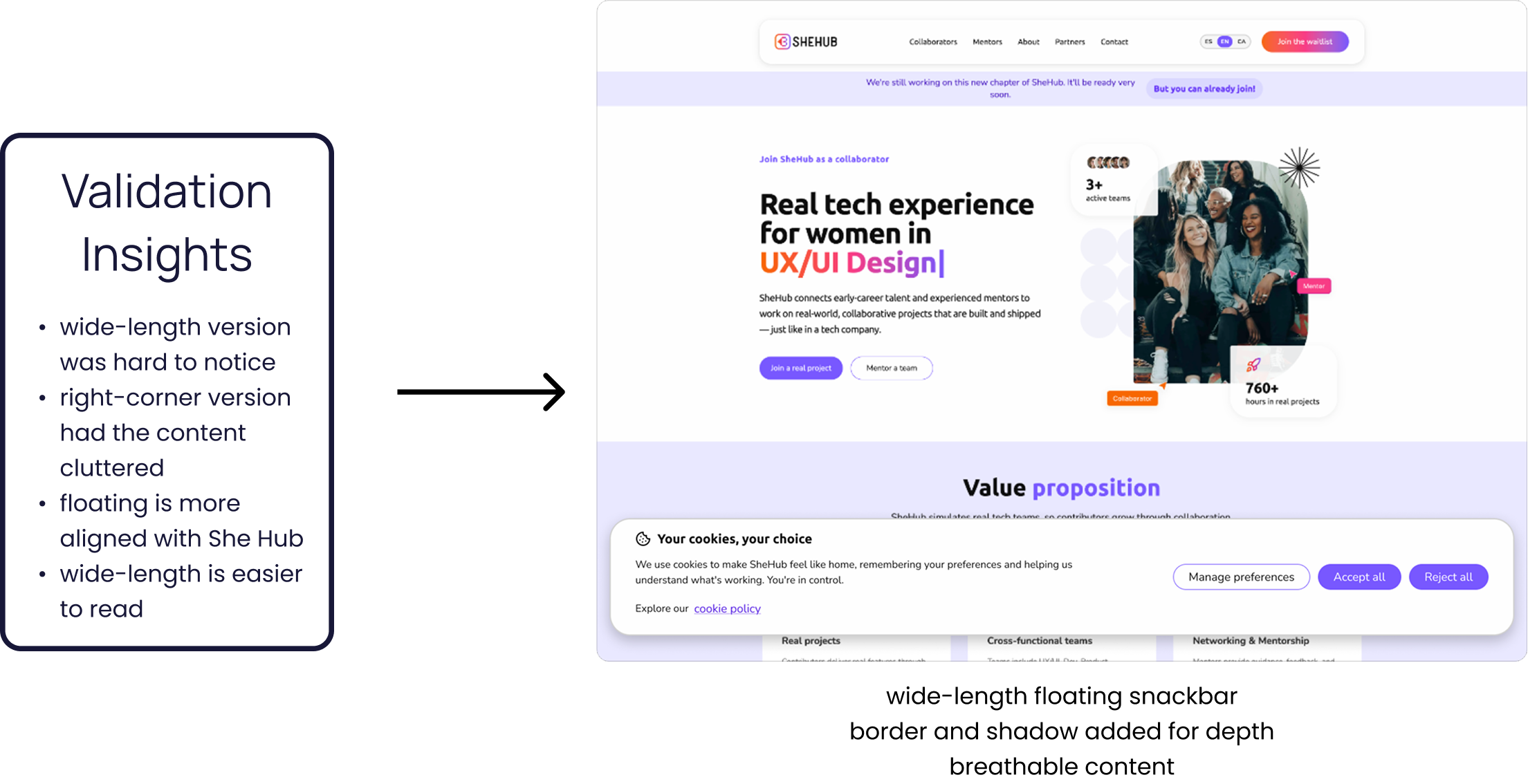
Data-driven decision-making
Based on the insights we traced from our tests, we decided to combine the 2 versions into one new design that meets all the criteria pointed out by the stakeholders (users, dev team, accessibility expert, board team).